
One workspace, every client
A portfolio of clients and prospects with their sites, live and draft states and review status. No separate login per site.
For freelancers & agencies
Paste one link to start a credible draft, share it on an expiring review link, collect comments on the exact sections, launch the approved version, and keep managing it as a service.
Step 1
Paste the client's website, Instagram or Google Maps link, or a few lines from your brief. Reuse rights for their photos stay explicit.
Step 2
A private draft in their colours, tone and services, from your agency templates or ours. Prospects get a “Concept preview”, never indexed.
Step 3
An expiring review link with your branding. Comments on specific sections, change requests, approval of the exact version.
Step 4
The approved version goes live. Connect the client's domain, keep it current, or hand it over to the owner.
A portfolio of clients and prospects with their sites, live and draft states and review status. No separate login per site.
Show a prospect what their site could be. Clearly labelled “Concept preview”, private and not indexed.
Expiring links, comments anchored to sections, “request changes” and approval of the exact revision. Editing after approval needs a new one.
Owners, admins, designers, publishers and client reviewers. A reviewer for one client never sees another.
Save a layout and design as a template. It never carries the previous client's copy, photos, forms or contacts.
Transfer a site to the owner's own workspace when the engagement ends. Your access is removed as you choose.
Connect your assistant once. It works inside your agency workspace with your role's permissions: draft a site for a new prospect, update a client's hours, prepare a review link. Publishing still needs a person to confirm.
What connecting does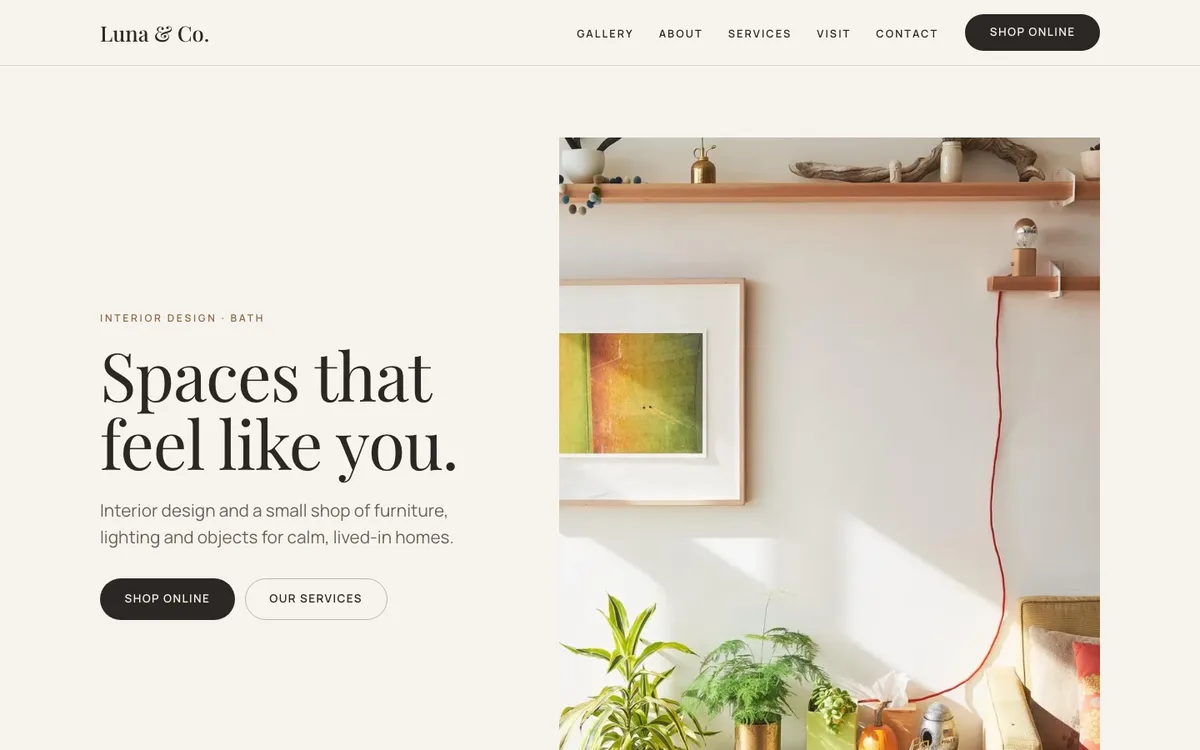
Luna & Co. · Interior design (example)
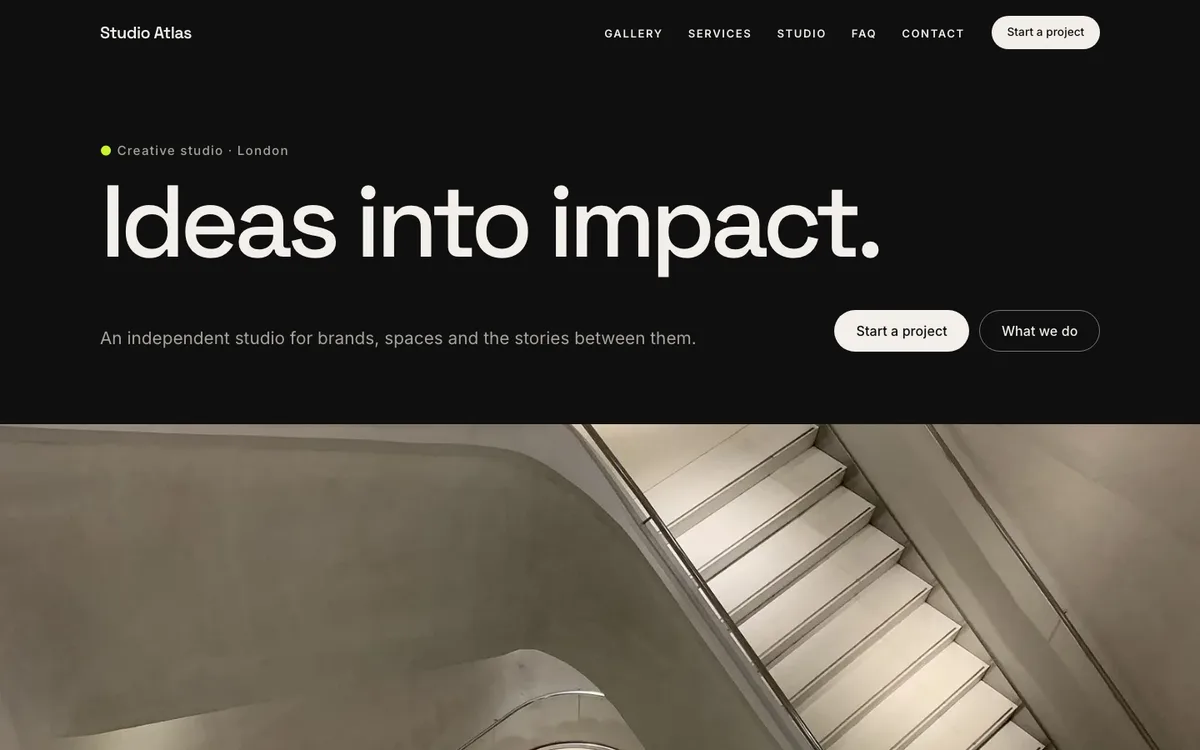
Studio Atlas · Creative studio (example)
HeyMadeWeb does not send outreach for you. You decide who sees a concept and share the review link yourself. Agency-to-client invoicing stays in your own tools.
Paste a client's profile or website, share a concept, get the exact version approved.